
Products
Smart pepper sprays with free app


_50x.png?v=128655677529448904811697549735)


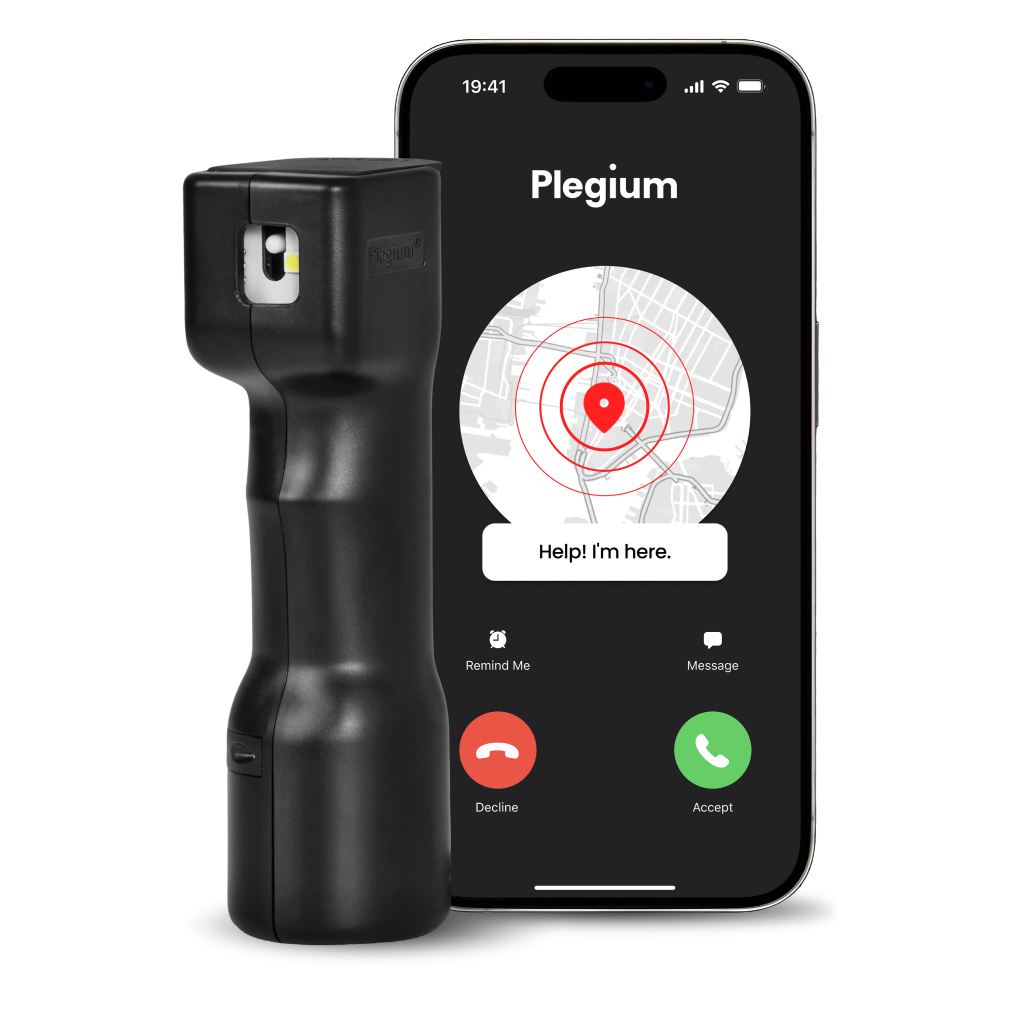


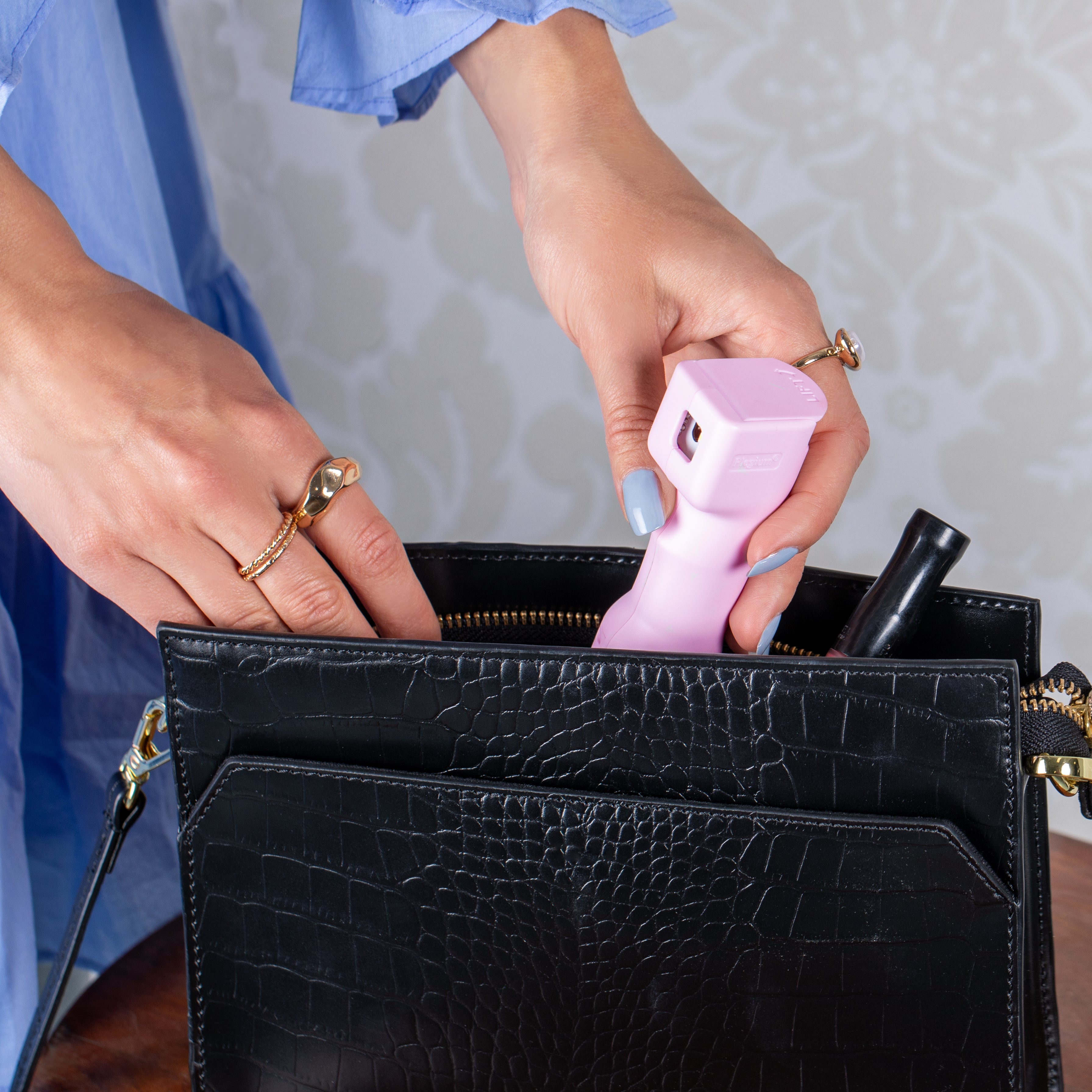
Smart and affordable safety
Automatic phone calls to emergency contacts

Instant SOS text message with live GPS tracking link
24/7 monitoring, dispatching emergency services
Real-time audio stream and recording
4 years no-charging battery life on all devices

One-time 1 minute setup via Bluetooth in Plegium’s app

Carefully developed, tested and manufactured in Sweden
Testimonials
Your trusted safety companion
Products
What model suits your needs?
| Feature by |
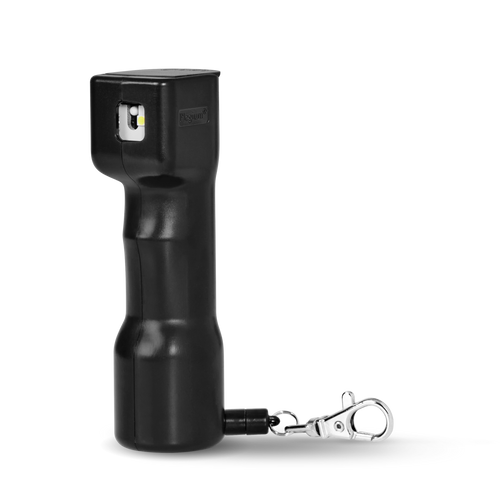
Smart |
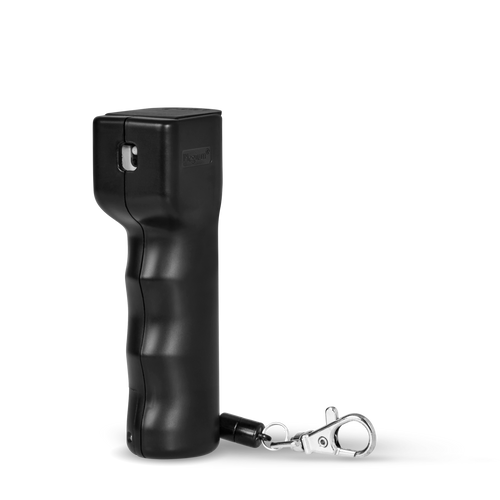
Smart Mini |
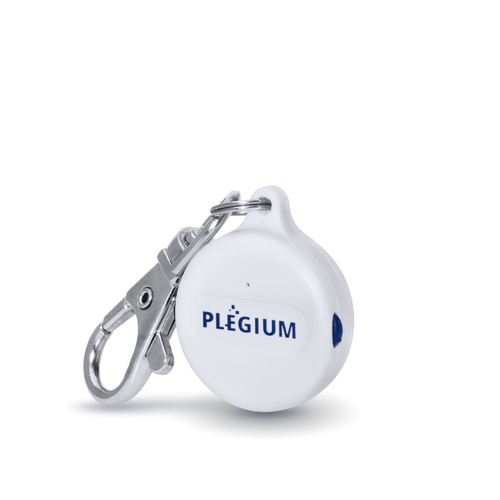
Smart Emergency Button |
|---|---|---|---|
|
Maximum strength pepper spray |
Included in | Included in | Translation missing: en.sections.compare_models.not_included_in |
|
Free location text messages |
Included in | Included in | Translation missing: en.sections.compare_models.not_included_in |
|
Free automatic phone calls |
Included in | Included in | Included in |
|
Siren |
Included in | Included in | Included in |
|
Strobe LED |
Included in | Included in | Included in |
|
No-charging battery life |
Included in | Translation missing: en.sections.compare_models.not_included_in | Translation missing: en.sections.compare_models.not_included_in |
|
Magnetic quick-release keychain |
Included in | Translation missing: en.sections.compare_models.not_included_in | Translation missing: en.sections.compare_models.not_included_in |
|
Long battery life (2+ years, replaceable) |
Included in | Included in | Included in |
|
Magnetic quick-release keychain |
Included in | Included in | Translation missing: en.sections.compare_models.not_included_in |
| Choose |
About Us
Your safety is our top priority
In the best of all worlds, our products wouldn’t be needed. Until we reach that Utopian future we’re all dreaming of, our promise to you is to keep developing the world’s greatest Personal Safety Devices.
Because everyone has the right to feel safe.

Download the App




FAQ
How do I set up my Plegium pepper spray with my phone?
Setting up your Plegium Smart Pepper Spray or your Plegium Smart Mini Pepper Spray with your phone is a quick and easy process. Here's how to do it:
- Download the Plegium app from the App Store or Google Play. Create an account and follow the setup instructions in the app. Make sure to grant the app permission to use Bluetooth and location services.


- Connect your spray to the app by tapping "Add device" on the home screen, and finding your device in the list. You can also add your device by going to Settings > "Add Device From Code" and then entering the four-digit code found under the flip top safety lid.
- Add emergency contacts by clicking "Add contact" in the app and selecting up to 7 contacts from your phone's contact list. Your spray is now connected to your phone and ready to use.
To test all functions except the spray, use a pointed object to slide down the test switch on the side of the product for 10 seconds, then slide it back up. This will activate all features and send out alarms to your emergency contacts (so remember to let them know you are testing it).
Keep in mind that the Plegium app must be open for the location text messages and phone calls to function, it's enough that the app is in the background and the phone can be locked, but if you actively close ("kill") the app it will not be able to receive the signal from your spray that it has been fired.
How do I test my Plegium pepper spray?
You can test the siren, LED light and emergency alerts on your pepper spray without deploying the spray itself (it’s important to save the spray liquid in case of a real emergency).
There is a test lever on the side of your spray. Use a pointed object to push the lever down for 10 seconds, then push it back up.
If you have a Smart or Smart Mini, remember to inform your emergency contacts in advance so they know it’s only a test.
Do I need a subscription to use my Plegium device?
Yes. Starting April 1, 2026, we are moving to a subscription-based model. That means our smart features will only be available through Plegium Plus or Plegium Premium. Features that don't include the app (spray, siren, strobe light) will continue to function without a subscription.
Customers who purchased and registered a device before March 31, 2026—and who have not previously subscribed—will be eligible for a free one-year Plegium Plus subscription. Eligible users will receive this offer starting April 1, 2026.
If you have any questions or need assistance, contact us at contact@plegium.com and include your full name, email, phone number (with country code), and date of purchase or a copy of your receipt.
Customer Service
Do you have any questions?
If you have any questions feel free to contact us. Also you can check our FAQ